 WatchStats
Watch a live match
Enter the 6-character code shown on the scorer's phone to mirror the scoreboard on this screen.
or
Or scan the QR code on the scorer's phone with your camera app. How it works ↓
WatchStats
Enter the 6-character code shown on the scorer's phone to mirror the scoreboard on this screen.
Or scan the QR code on the scorer's phone with your camera app. How it works ↓
How it works
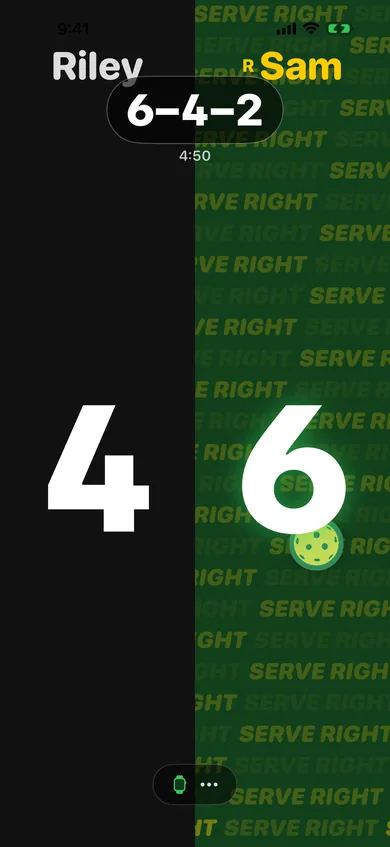
During a match in WatchStats, the scorer taps ••• on the iPhone scoreboard and picks Live board.
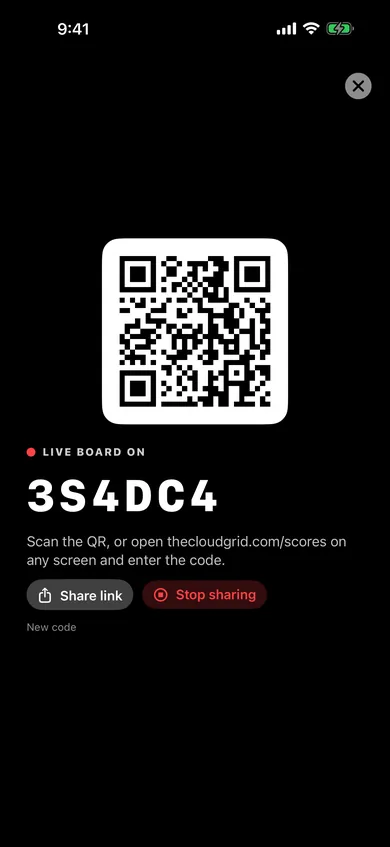
Tap Scan QR code at the top of this page (or use your phone's Camera app), open the shared link, or type the 6-character code.
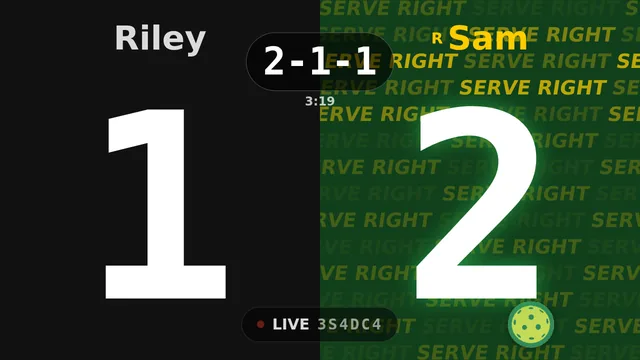
The board shows the score, the call and who's serving, and refreshes every second. Tap it for full screen; it keeps the screen awake.
WatchStats keeps the pickleball score on Apple Watch and iPhone, and puts it on any screen with Live board.